
Android or Windows ECR: Choosing the Right OS for Your Market’s Fiscal Compliance
Along with the mobile Internet, our payment methods have also changed to be more cashless, with e-wallets. In retail, catering, identification and finance industries, customers used to pay by cash, but now they just need to use their smartphones to scan and pay. The spring of mobile payments is both an opportunity and a challenge for offline merchants, especially in high-frequency consumption industries such as catering, shops, and malls. How should we face the new payment needs of consumers? How to create a quick and convenient electronic cash register(ECR) checkout scene?
Merchants usually pick an ECR based on checkout speed and staff learning curve. Fiscal compliance adds another layer to that decision—tax authorities in many countries now require certified sales recording and real-time data transmission. Android and Windows both clear this bar. No national tax authority blocks either OS. The real question is whether the hardware can integrate with certified fiscal modules, not which logo boots up on screen.
Which type of smart cash registers do we need, Android or Windows?
Nowadays, Windows and Android-based smart cash registers are found in the market. But for shopkeepers, some may not know which system is more suitable. Here we Telpo will give a brief introduction.
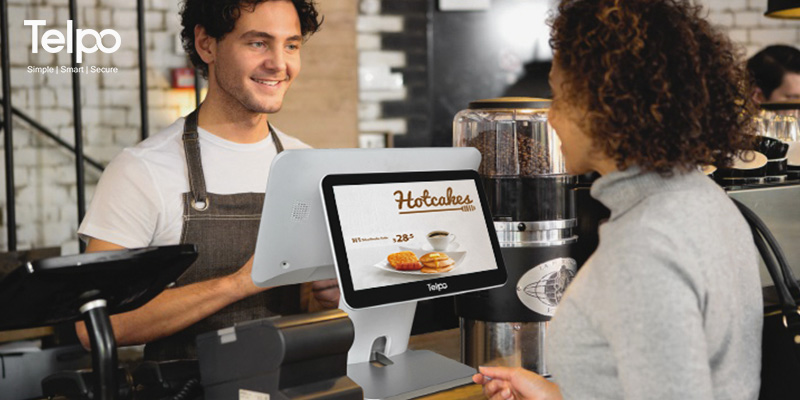
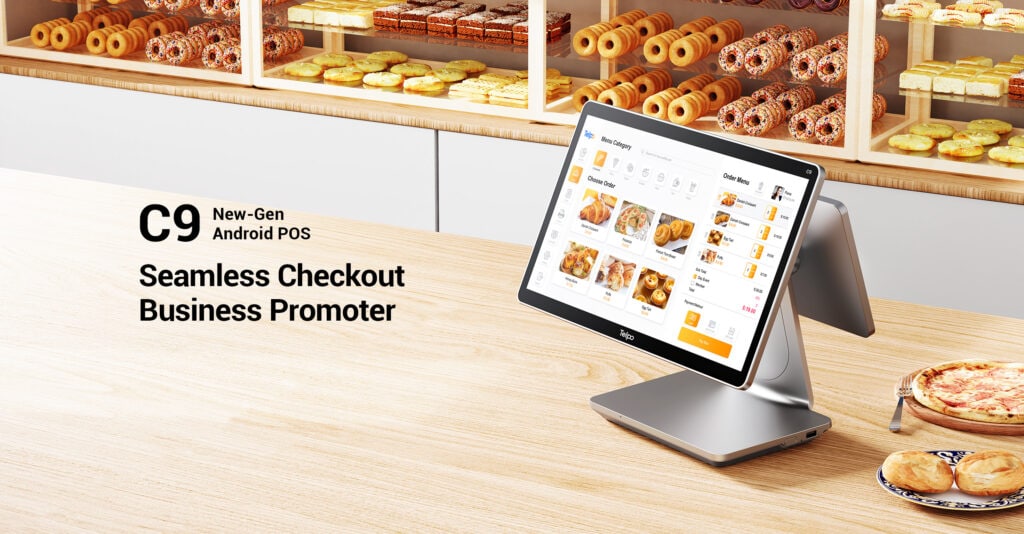
ECR machine in coffee shop
Both Windows and Android cash registers can support multi-store, cashier, and terminal adaptation, and also support WeChat Pay, AliPay, as well as all Visa/Master card payment. For fiscal-regulated markets, both OS options are viable—tax authorities in Bangladesh, Hungary, France and elsewhere certify the fiscal software and security mechanism, not the operating system itself. As the cost of hardware investment is not very high, they are popular in all kinds of small retail and catering shops, finance, and O2O service industries, as a perceptional and systematic On/Offline cashier solution.
However, more and more merchants prefer Android OS intelligent cash registers nowadays. Compared with Windows, why is Android ECR more adorable?
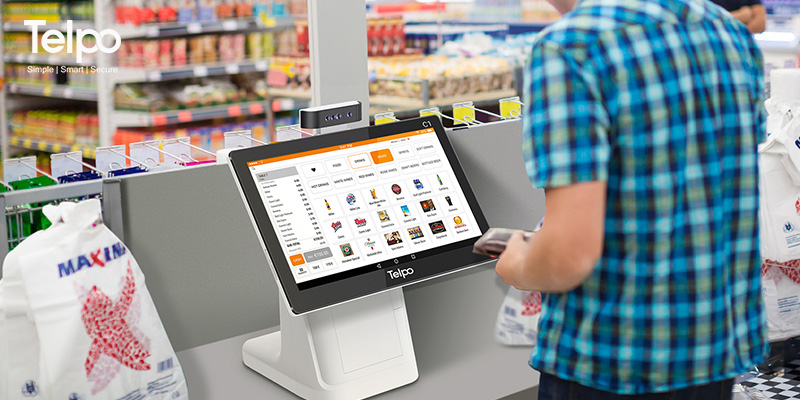
Configuration Request
To run Windows OS, the host requires higher parameters, while Android OS can run well on hardware with simpler parameters. Moreover, in the same configuration environment, Android OS runs much better.
Reliability
The Android Cash register can usually connect to the cloud platform, which possesses a data multi-protection mechanism. It can effectively make sure the safety of data. As long as a merchant’s account exists, the data can be inquired. Nevertheless, some Windows-based software is not an authorised edition. Due to the risk of it being accessed, it may destroy merchants’ data integrity.
Fiscal Compliance Edge
In markets like Bangladesh, Hungary, and France, tax authorities certify the fiscal software and data security mechanism, not the operating system. Bangladesh’s NBR explicitly lists Android, Windows, and Linux as acceptable OS options for Electronic Fiscal Devices. Hungary’s NAV mandates real-time reporting but allows hardware registers up to 72 hours offline. France requires third-party software certification (InfoCert/LNE) with no OS restriction. Telpo Android ECRs are designed to integrate with certified fiscal modules across these regimes, while their cloud-native architecture simplifies remote updates when tax rules change—an operational edge over legacy Windows deployments that often require on-site reconfiguration.
Operational Difficulty
The operation of Android ECR is simple. If the ECR is installed with Android cashier software, the shopkeeper can just need to log in. It reduces a lot of operation time, so the training cost can also be reduced. The operation of Windows OS ECR is relatively complicated. Staff may need more time to adapt to the interfaces. It may create longer training time and higher cost.
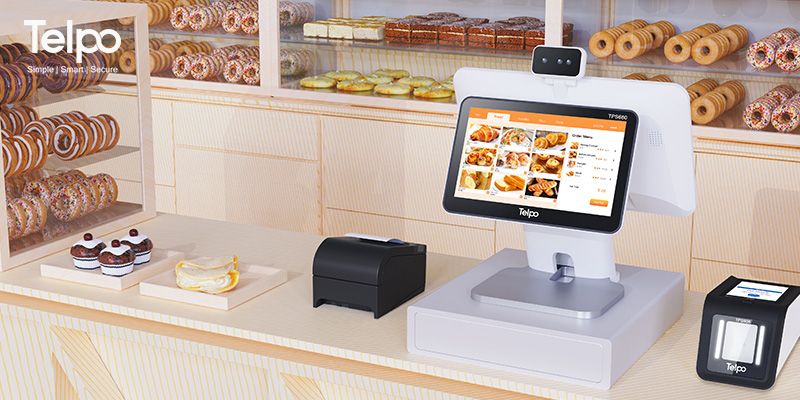
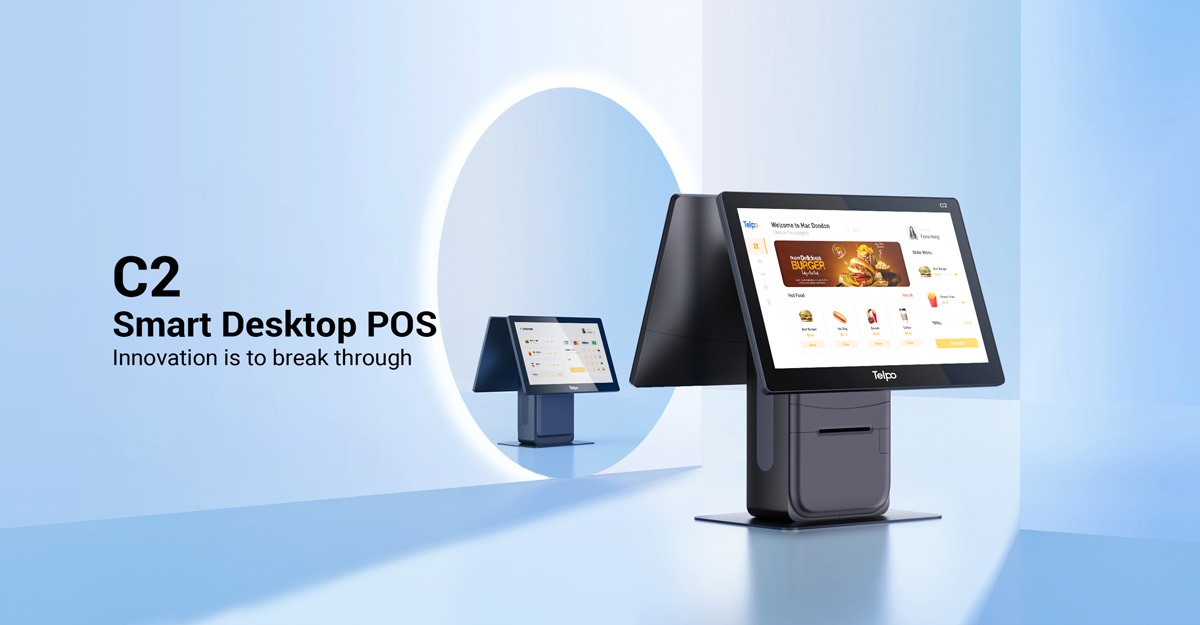
Android ECR machine
Information Update
In the past days, to update some information on goods on the web, we needed to rearrange through opening the backend of the web page. At present, if using Android ECR, you just need to touch the screen and update the info directly with the Android app. With our Telpo Management System(TMS), Merchants can download and upgrade the APK or app online. And they can arrange their business and adjust sales strategy in time based on the promotion feedback. When fiscal regulations change—such as new VAT rate structures or reporting format updates—this over-the-air capability means faster compliance without hardware swaps or on-site technician visits.
For buyers in fiscal-regulated countries
Telpo provides Android ECR hardware that pairs with region-certified fiscal software partners. Whether your market requires Hungary-style real-time reporting, France-style software attestation, or Bangladesh-style EFD integration, the OS choice does not lock you out of compliance. What locks you in is a hardware platform flexible enough to adapt as fiscal rules evolve. Android’s app-based ecosystem and over-the-air update capability make that adaptation faster and less costly than traditional Windows-based rollouts.
Above all, with more and more intelligence, humanity and individuality, Android ECR is a much quicker and easier cashier management solution to merchants.
Tag: ECR, Electronic Cash register, how to choose a cash register, android, windows, Cash Register, Telpo, smart payment, fiscal compliance, tax authority certified, EFD, electronic fiscal device
Brief Introduction: Telpo is a professional smart payment partner who mainly provides EFT-POS, cash registers, biometric devices, face recognition machines, self-service kiosks, and bus validators. Telpo ECRs are engineered to integrate with certified fiscal modules for tax-compliant markets across Asia, Europe, and Africa. Telpo has served more than 1000 customers abroad, including government, banks, Telecom operators, police stations, Retail shops, and offices. Telpo adheres to R&D and innovation, aiming to provide more intelligent hardware for global partners.
MP POSBANK FEC Aclas AIBAO Sunmi Zonerich Long View TYSS