
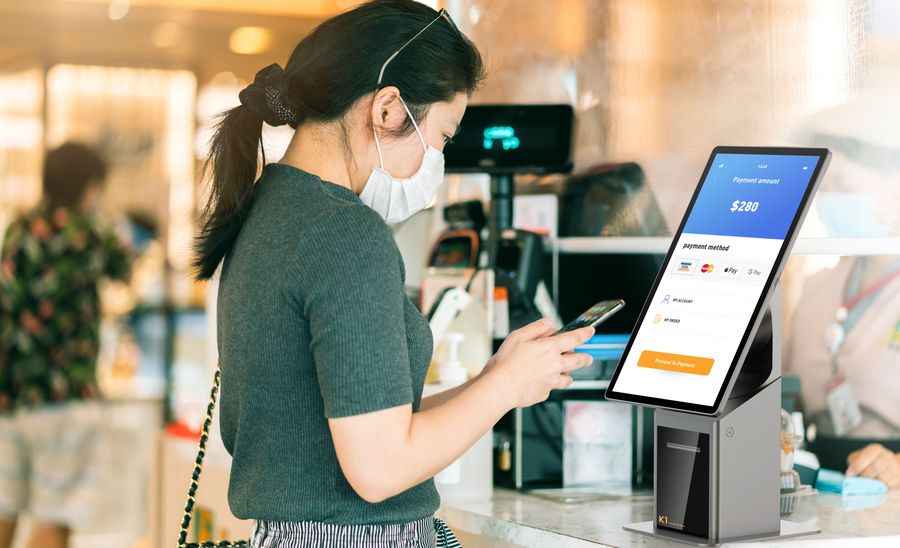
Finding a reliable Windows POS provider requires evaluating three core entities: Industrial-grade hardware, OS compatibility (Windows 10/11 IoT), and support responsiveness. Brands like Elo Touch, Square, and POSGuys.com set high standards in the industry. Telpo stands out by offering robust Windows POS and kiosk systems hardware. Choosing the right provider improves efficiency and creates a better experience for customers.
Key Takeaways
-
Choose commercial-grade hardware for durability and lower failure rates. This ensures smooth transactions and reduces maintenance costs.
-
Prioritize software stability by selecting providers that test their systems for compatibility and performance. Stable software minimizes disruptions and enhances efficiency.
-
Evaluate support options carefully. Look for providers with fast response times, multiple support channels, and flexible warranty plans to ensure quick problem resolution.
-
Request demos to assess system functionality and usability. Involve your team in the process to gather feedback and make informed decisions.
-
Consider the total cost of ownership, not just the initial price. Factor in long-term expenses like maintenance, support, and training to find the best value.
Reliability Criteria
Hardware Quality
Hardware quality plays a major role in the reliability of any Windows-based POS or kiosk system. Leading brands such as Elo Touch, Touch Dynamic, and Agilysys design their devices for commercial use. These companies focus on durability and long-term performance. Commercial-grade devices show lower failure rates compared to consumer-grade models. The table below highlights the difference in annual failure rates:
| Device Type | Annual Failure Rate |
| Commercial-grade | 10–15% |
| Consumer-grade | 30% or more |
A business owner should choose a POS provider that offers commercial-grade hardware. Telpo builds its Windows POS and self-service kiosk systems with robust materials and advanced engineering. This approach helps reduce downtime and maintenance costs. Reliable hardware ensures smooth transactions and a better customer experience.
Software Stability
Software stability affects daily operations and customer satisfaction. Brands like Agilysys and Elo Touch invest in software that runs smoothly on Windows platforms. Stable software prevents crashes and data loss. A reliable POS provider tests its software for compatibility and performance. Telpo’s systems use optimized Windows OS versions. These systems support regular updates and security patches. Stable software allows staff to process payments and manage inventory without interruptions.
Tip: Always ask the POS hardware provider about their software testing process and update schedule. Stable software reduces the risk of errors and improves business efficiency.
Support and Warranty
Support and warranty services protect businesses from unexpected issues. Major Windows POS machine providers offer standard warranties that last 12 months and cover parts and software. Many companies, including Telpo, provide extended warranty options. These options can extend coverage up to three or five years. Extended warranties may include overnight shipping for replacement parts and free phone support. However, they often exclude consumables and accidental damage.
Response times are important for business continuity. Service level agreements (SLAs) set clear expectations for support. Most hardware providers promise on-site visits within 4-8 hours for critical issues. They also offer overnight parts shipment and remote troubleshooting within 1 hour.
-
Standard warranty lasts 12 months, covering parts and software.
-
Extended warranty options can reach up to five years, available in annual increments.
-
Extended warranties may offer overnight shipping for replacement parts and free phone support, but usually exclude consumables and accidental damage.
-
SLAs specify on-site visits within 4-8 hours for urgent problems, overnight parts shipment, and remote troubleshooting within 1 hour.
A reliable POS manufacturer and provider responds quickly to support requests and honours warranty agreements. Telpo’s support team provides fast troubleshooting and flexible warranty plans. Strong support and warranty coverage help businesses recover from technical problems and maintain smooth operations.
Key Features
Windows OS Compatibility
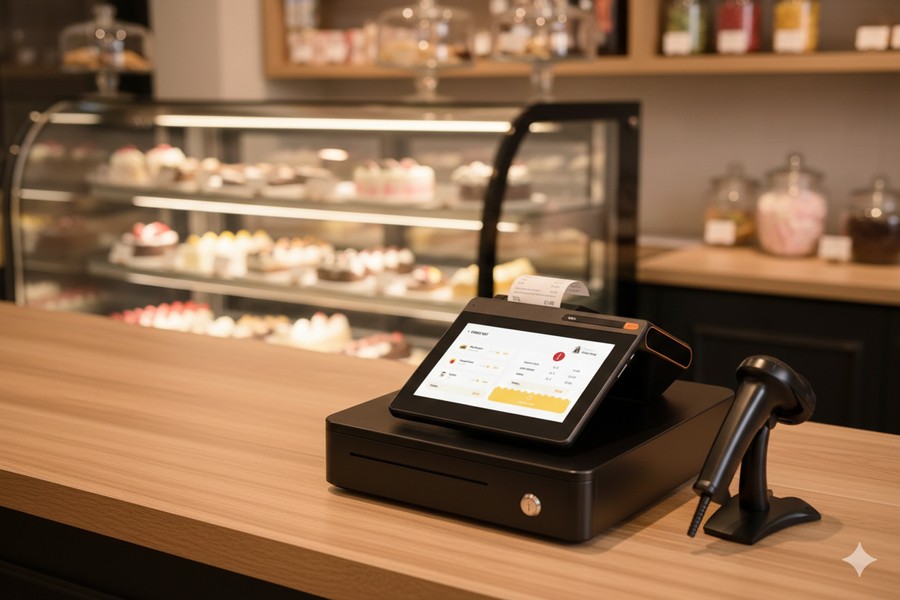
Windows POS systems must support the latest operating systems to ensure security and performance. Approximately 30% of requests for POS devices involve Windows 10, showing strong compatibility with recent versions. Businesses often report issues when Windows updates disrupt sales processing. For example, the update KB5044284 caused cash registers to freeze, resulting in customer frustration and staff inefficiency. The end of support for Windows 10 on October 14, 2025, will result in no further security updates or technical support. Businesses using outdated systems may face vulnerabilities and operational disruptions. A point-of-sale provider should offer devices that work with current and future Windows OS versions.
Note: Regular software updates and proactive support help prevent compatibility problems and keep systems secure.
Connectivity Options
Connectivity features determine how well a Windows POS system integrates with other devices and networks. Providers like Telpo, Square, and Oracle offer different options. The table below compares their connectivity features:
| Company | Connectivity Features |
| Telpo | Wi-Fi / Bluetooth 5.0/ Ethernet |
| Square | Not detailed |
| Oracle | Expansive I/O |
Telpo stands out by offering multiple interfaces, which allow easy integration with printers, scanners, and payment terminals. Square focuses on mobile connectivity with 4G/LTE. Oracle’s connectivity details remain unclear. Businesses should choose a POS provider that matches their integration needs.
User Experience
User experience affects staff productivity and customer satisfaction. Several metrics help evaluate Windows POS and kiosk systems:
| Metric | Description |
| Mean Time Between Failures (MTBF) | Aim for ≥50,000 hours to minimize downtime. |
| Touchscreen Accuracy | Response error under 1mm in various conditions. |
| Thermal Stability | Reliable operation between 0°C to 45°C. |
| Total Cost of Ownership (TCO) | Includes hardware, software, maintenance, training, and energy costs over five years. |
| Bulk Pricing Advantage | Discounts for orders above 100 units, 500 units, 1000 units. |
| API Access | Open APIs enable integration with ERP, CRM, inventory, and loyalty platforms. |
| Modular Design | Plug-and-play components simplify upgrades and repairs. |
| Multi-Channel Sync | Real-time sync across online, in-store, and kiosk channels. |
| Warranty Duration | Minimum two-year warranty with on-site repair options. |
| Technical Support Availability | 24/7 remote access and local service centres. |
| Software Update Frequency | Regular OS and app updates for security and features. |
| Emergency Shutdown Protocols | Physical kill switches and auto-shutdown triggers. |
| Child Lock Features | Prevent accidental purchases or changes in public settings. |
A Windows or Android POS provider should deliver systems that excel in these areas to ensure smooth business operations.
Telpo Kiosk and Windows POS Solutions: Compatibility and Performance
Telpo offers unique features that set its products apart from competitors:
| Feature | Telpo Windows POS and Kiosks | Competitors |
| Affordability | Yes | Varies |
| AI-ready devices | Yes | Limited |
| Android-based hardware | Optional | Not always |
| User Ratings | High for budget setups | Varies |
| Key Products | POS: Telpo C9 Kiosk: Telpo K20 , Telpo K10, Telpo K8 |
Various |
| Pricing | Low to mid range | Higher options |
| Best For | Budget-conscious setups | General market |
Telpo’s advanced payment terminals improve transaction efficiency and security. The SoftPOS smart terminal series supports multiple payment methods, which matches the trend toward contactless transactions. Dual-screen POS machines and quick service kiosks help retailers deliver better customer service. Biometric security terminals address the need for enhanced security. Telpo provides solutions that align with current industry trends and meet the needs of budget-conscious businesses.
Evaluating a POS Provider
Reputation and Reviews
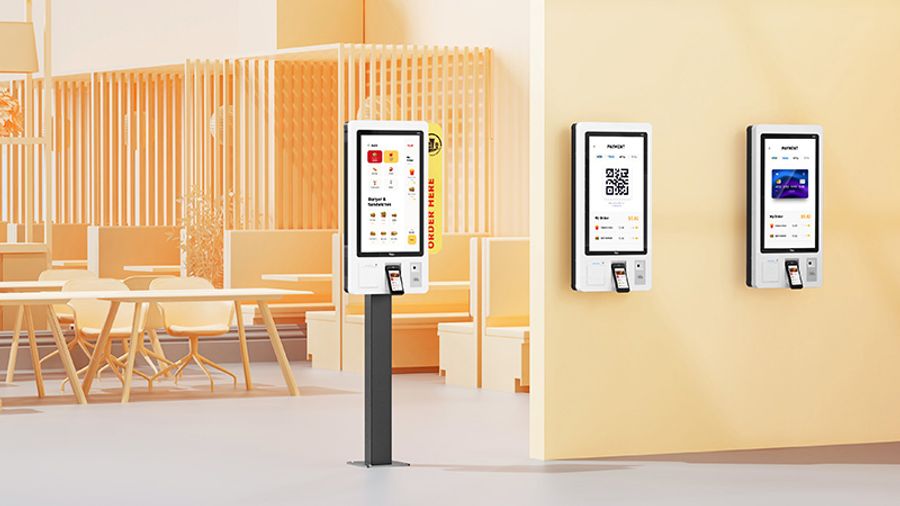
Reputation shapes how businesses and customers view a POS provider. People often check reviews before making a decision. High ratings and positive feedback signal trustworthiness. The table below shows important reputation indicators for Windows POS machine providers:
| Metric | Description |
| Review Volume | High volume indicates credibility; important for multi-location brands to track per location. |
| Review Recency | Recent reviews are more impactful; they enhance trustworthiness. |
| Response Rate | Timely responses build trust; 65% of consumers prefer businesses that respond to reviews. |
| Response Time | Quick acknowledgement of reviews is expected; monitoring can highlight areas for improvement. |
| Share of Voice | Measures brand mentions compared to competitors; includes reviews and social media. |
| Sentiment Analysis | Analyses tone of feedback; critical for understanding brand perception and addressing concerns. |
A business should look for a POS provider with a high average star rating and recent reviews. Providers like POSGuys.com and Posiflex often receive praise for their reliability and customer service. Telpo also maintains a strong reputation by responding quickly to customer feedback and addressing concerns. Companies that monitor sentiment and share of voice can improve their services and build stronger relationships with clients.
Tip: Businesses should read reviews from multiple sources and check how providers respond to negative feedback. Quick and thoughtful responses show commitment to customer satisfaction.
Case Studies
Case studies help businesses understand how a POS provider performs in real-world situations. These stories show how providers solve problems and deliver results. For example, a retail chain may choose Telpo for its Windows POS systems. The chain reports fewer hardware failures and faster transaction times after switching. Another case involves a restaurant group using Posiflex kiosks. The group sees improved order accuracy and shorter wait times.
Successful case studies often highlight:
-
Increased efficiency in daily operations
-
Reduced downtime and maintenance costs
-
Enhanced customer experience
-
Smooth integration with existing systems
Businesses should ask providers for case studies that match their industry and needs. Reviewing these examples helps decision-makers predict future performance and avoid common pitfalls.
OEM/ODM Service Benefits
OEM (Original Equipment Manufacturer) and ODM (Original Design Manufacturer) services offer unique advantages for businesses seeking Windows POS solutions. The table below outlines key benefits:
| Type | Key Benefits |
| ODM | – Cost-Effective: More affordable as the manufacturer designs and builds the system. |
| – Complete Solutions: Offers everything from hardware to software and payment options. | |
| – Flexibility: Specific features can be requested for tailored POS systems. | |
| OEM | – Customizability: Allows for some customization while adhering to core design. |
| – Brand Control: Owners can control design and branding of the POS system. | |
| – Reliability: Adherence to strict quality standards ensures dependability. |
Telpo provides both OEM and ODM services. Businesses can request custom features, branding, and software options. This flexibility allows companies to create POS systems that fit their workflow and brand identity. POSGuys.com and Posiflex also offer OEM solutions, but Telpo stands out for its complete approach and cost-effective packages.
Note: Companies that choose OEM or ODM services gain more control over their POS systems. They can improve reliability and create a unique customer experience.
Choosing and Comparing Providers
1. Requesting Demos
Businesses often request demos before selecting a POS device provider. Demos give teams a chance to interact with the system and test its features. Team members can share feedback about usability and performance. This hands-on approach helps companies decide if the system matches their needs. Many vendors encourage businesses to involve staff in the demo process. The following points highlight the benefits of requesting demos:
-
Teams assess system functionality in real time.
-
Staff members provide feedback about ease of use.
-
Businesses confirm that the system supports their objectives.
A demo experience often shapes the final decision. Companies that engage with demos make more informed choices.
2. Support Assessment
Support quality influences long-term satisfaction with a POS provider. Companies should evaluate support options before making a commitment. Reliable providers offer multiple support channels, such as phone, email, and live chat. Fast response times and knowledgeable staff help resolve issues quickly. Some providers maintain local service centers for urgent repairs. Businesses should ask about service level agreements and warranty coverage. The table below summarizes key support features:
| Support Feature | Description |
| Response Time | Fast replies to inquiries |
| Service Channels | Phone, email, live chat |
| Local Centers | On-site repair options |
| Warranty Coverage | Parts and software support |
Assessing support ensures that businesses receive help when problems arise.
3. Pricing and Value
Pricing and value play a major role in provider selection. Companies compare costs for hardware, software, and ongoing maintenance. Some providers offer bulk discounts for large orders. Others include training and updates in their packages. Businesses should calculate the total cost of ownership over several years. Comparing pricing helps companies find solutions that fit their budgets without sacrificing quality.
4. Contacting Telpo
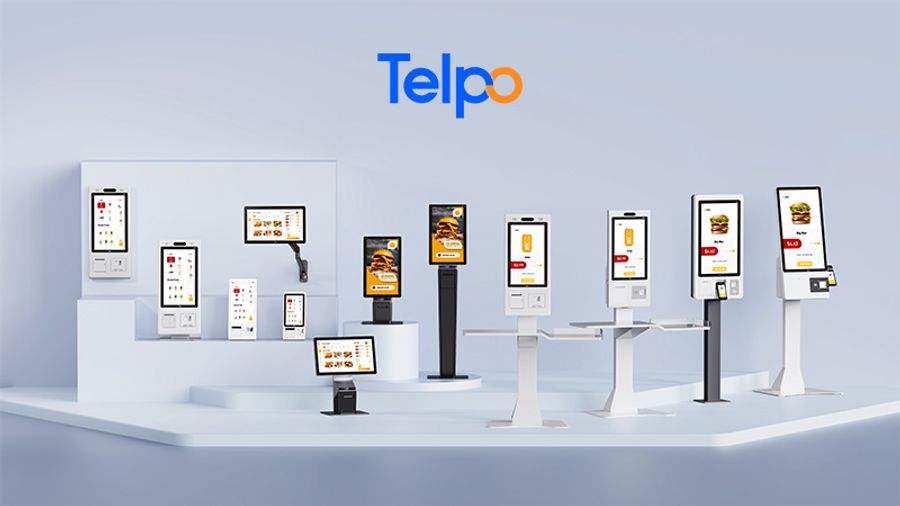
Telpo offers tailored solutions for businesses seeking Windows POS and kiosk machines. Companies can contact Telpo to request demos, discuss support options, and review pricing details. Telpo’s team helps clients choose products that match their requirements. Businesses benefit from expert advice and customized features. Reaching out to Telpo ensures access to reliable systems and ongoing support.
Mistakes to Avoid
1. Ignoring Compatibility
Many businesses overlook compatibility when selecting a Windows POS or kiosk provider. They may choose systems that do not fit their industry requirements. This mistake often leads to operational inefficiencies and data synchronisation issues. Some companies forget to ask about integration capabilities. They later discover that their POS system cannot connect with inventory or accounting software. This oversight can cause stock discrepancies and missed opportunities for automation.
Tip: Always assess business needs before choosing a POS system. Inquire about integration options to ensure smooth data flow between platforms.
A compatible system supports future growth. Ignoring scalability can hinder expansion and force costly upgrades later. Companies should check if the POS provider offers solutions that adapt to changing business sizes and needs.
2. Overlooking Support
Support plays a vital role in the success of any POS system. Some businesses fail to evaluate customer support and training resources. They may experience slow transactions and increased errors due to inadequate training. Without reliable support, technical problems can disrupt daily operations and frustrate staff.
-
Reliable vendors provide multiple support channels, such as phone and live chat.
-
Adequate training helps staff use all features of the POS system.
-
Quick troubleshooting reduces downtime and maintains business continuity.
Companies should ask about service level agreements and warranty coverage. They should also confirm that the provider offers ongoing training and resources for new features.
3. Focusing Only on Price
Price often influences purchasing decisions, but focusing only on initial costs can lead to problems. Some businesses ignore long-term expenses, such as maintenance and support. They may select cheaper systems that lack essential features or user-friendliness. This choice can result in higher training costs and more frequent errors.
| Consideration | Why It Matters |
| Total Cost of Ownership | Includes hardware, software, maintenance, and training over time |
| User-Friendliness | Reduces training time and errors |
| Support Quality | Ensures quick problem resolution |
A balanced approach considers both price and value. Companies should evaluate user experience, support quality, and long-term costs before making a decision.
A business owner finds a reliable Windows POS and kiosk provider by focusing on hardware durability, software stability, and strong support. Key features like compatibility and user experience help companies run smoothly. Telpo offers advanced solutions that meet industry standards.
-
Explore Telpo’s product range for tailored POS and kiosk systems.
-
Request a demo or contact Telpo for expert advice and custom options.
Telpo’s team guides businesses toward efficient and secure payment solutions.
FAQ
What makes a Windows POS system reliable?
A reliable Windows POS system uses commercial-grade hardware and stable software. Providers like Telpo test devices for durability and performance. Strong support and warranty services help businesses avoid downtime and keep operations running smoothly.
How can businesses check Windows OS compatibility?
Businesses should ask providers about supported Windows versions. They need to confirm that devices work with current and future updates. Regular software updates and proactive support help prevent compatibility issues and security risks.
Why is support important for POS and kiosk systems?
Support helps businesses solve technical problems quickly. Providers offer phone, email, and live chat channels. Fast response times and knowledgeable staff reduce downtime. Telpo’s team provides troubleshooting and flexible warranty plans.
What advantages do Telpo’s Windows POS and kiosks offer?
Telpo’s devices feature AI-ready hardware, multiple connectivity options, and affordable pricing. The company offers custom solutions for different industries. Businesses benefit from advanced payment terminals, biometric security, and user-friendly designs.